Grow with FindTagOwner: sponsor tags or sell them.
टैग लगाओ, फ़िक्र भूल जाओ
Your number stays private.
Your things stay reachable.
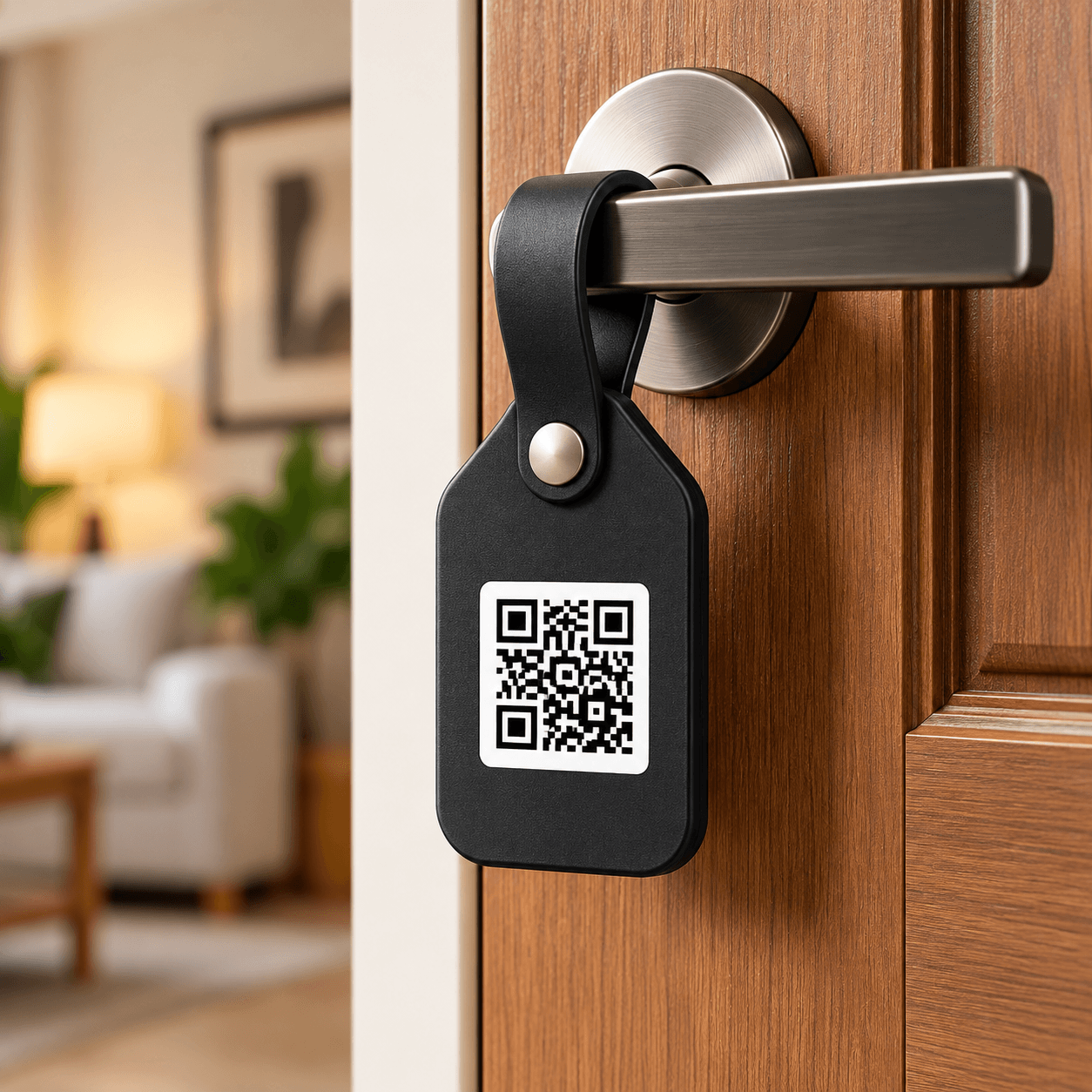
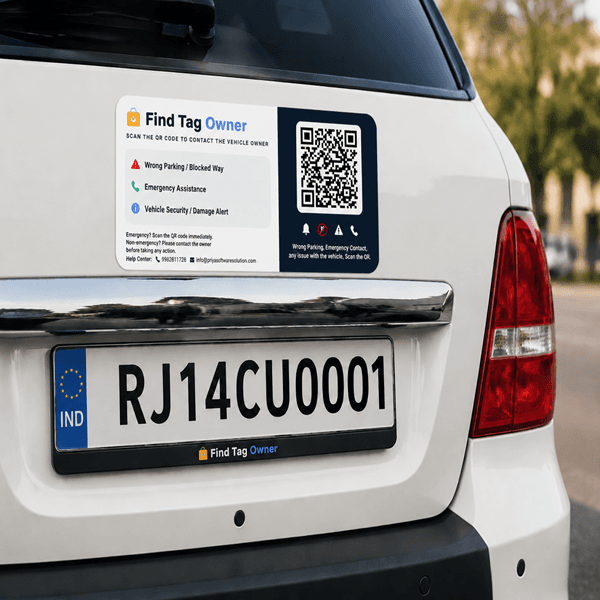
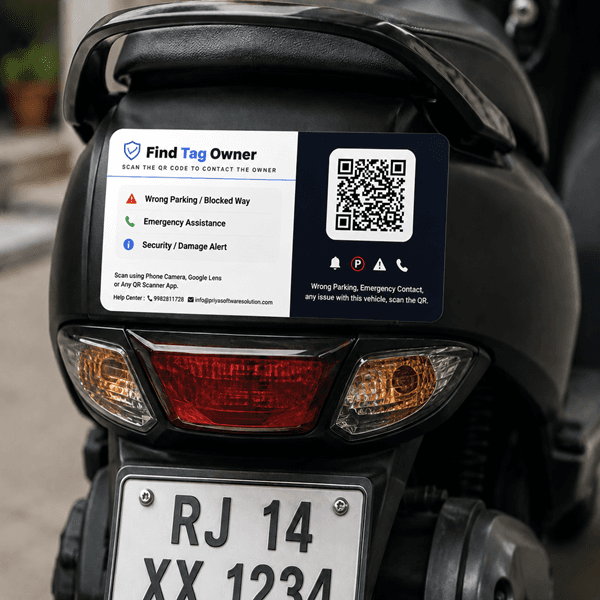
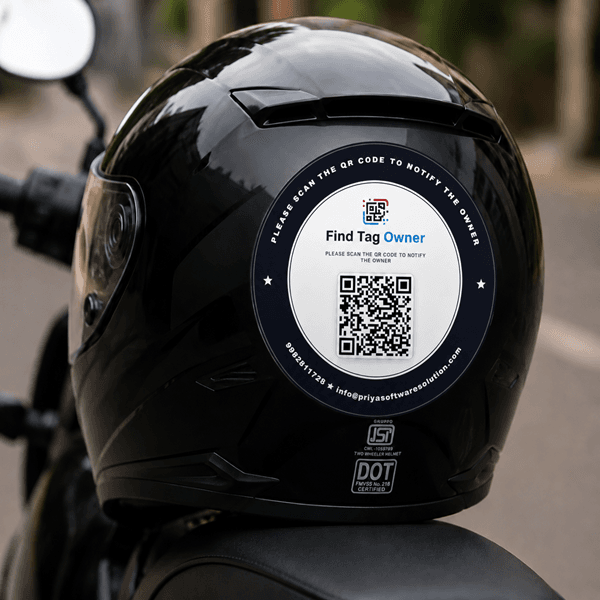
Stick a smart QR tag on your vehicle, keys or bag. Anyone who finds it can message you or make a masked call, without ever seeing your number.
How it worksZero numbers shared
- 1Stick the tagOn vehicle, keys, bag or pet
- 2Someone scansAny phone camera, no app
- 3You get alertedMessage or masked call
- No app needed
- Number stays hidden
- Masked calls
- Emergency contacts
Free delivery on every order
Get the free appScan alerts and chats on your phone
Grow with FindTagOwnerSponsor tags for your brand, or sell them and earn
- No app neededAny phone camera works
- Number stays hiddenFrom finders, always
- Masked callsWe connect you both
- Emergency contactsFamily reached fast
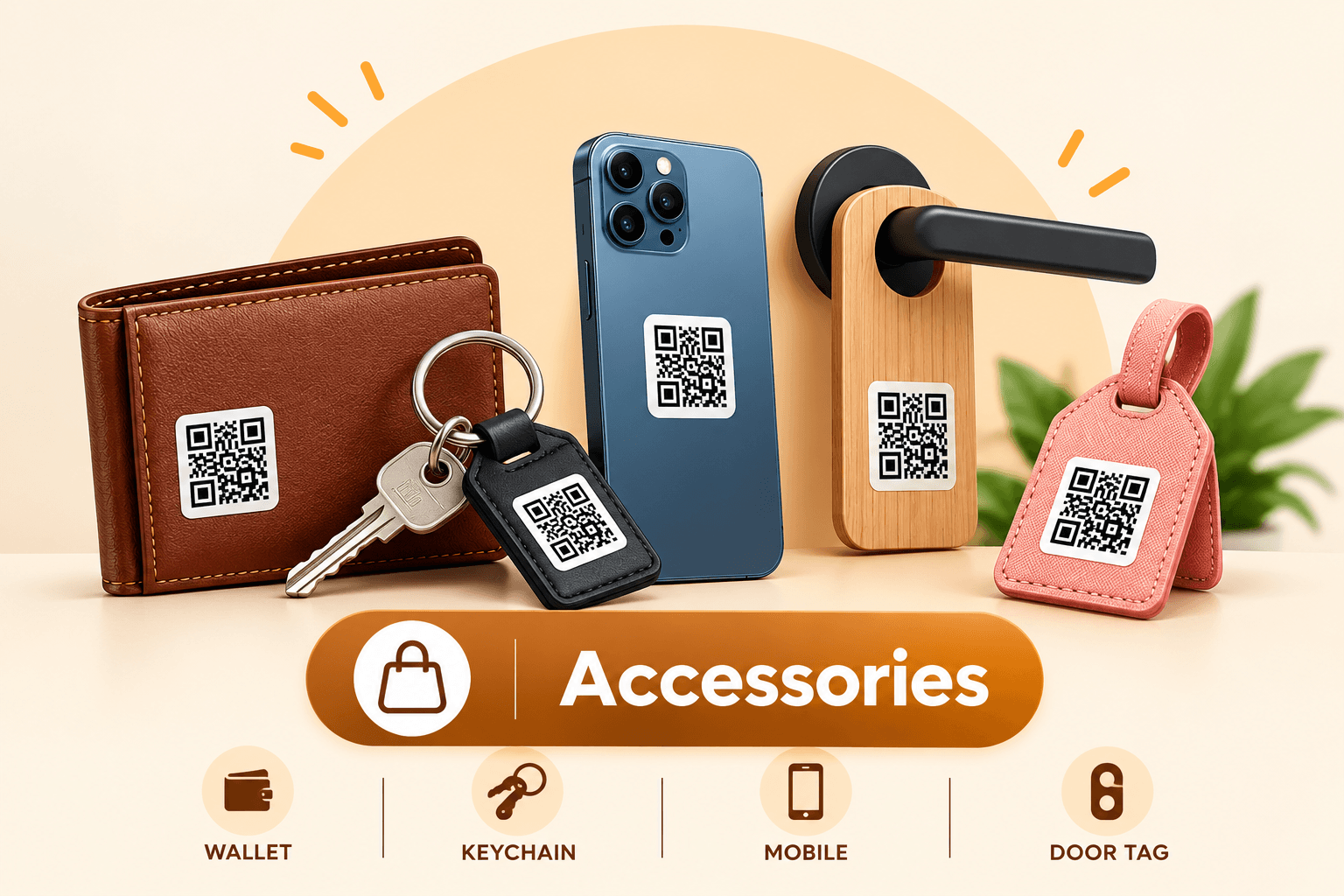
Accessory tags· Keys · Wallet · Bag · Laptop · Luggage
Lost it? It finds its way back to you
Put a tag on the things you carry. Whoever finds them scans the tag and messages you, or calls you on a masked line. No number on a label, no address for a stranger.
- Nothing personal on the tagJust a QR code and a tag number. Your name, number and address stay with us.
- Finders confirm what they foundThey pick the item before they can reach you, so stray scans go nowhere.
- Chat or call, numbers hiddenArrange the return over messages or a masked call. The finder’s number stays private too.
Lost & found, privately
Steps of working
Three steps. Zero numbers shared.
The finder helps you in seconds, and your phone number never leaves our system.
- 1
Stick the tag
On your vehicle, keys, bag or pet collar. Activate it in 2 minutes with your details.
- 2
Someone scans it
Any phone camera opens a private page. No app, no sign-up for the finder.
- 3
You get a message or call
Instantly, with a masked call if needed. Neither of you sees the other’s number.
Best sellers
Popular tags
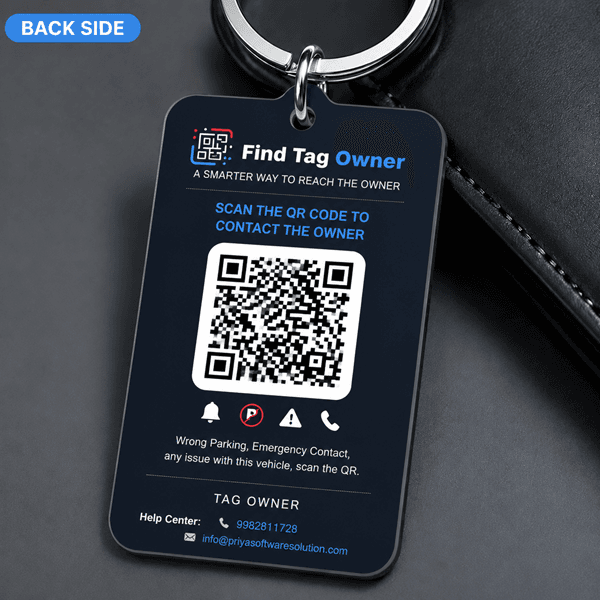
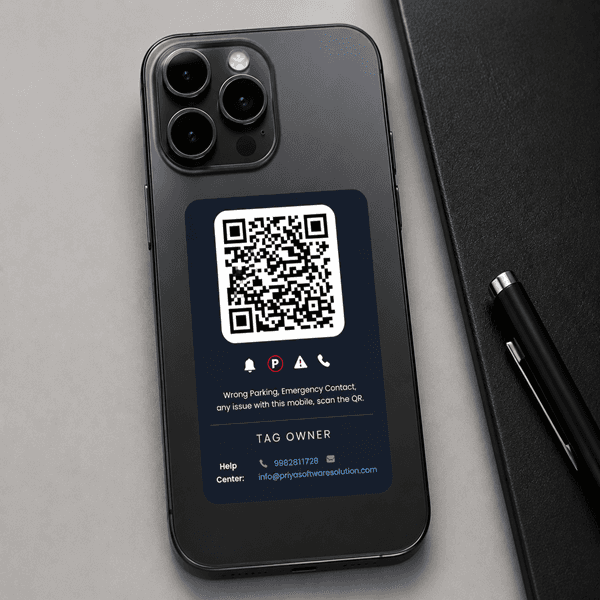
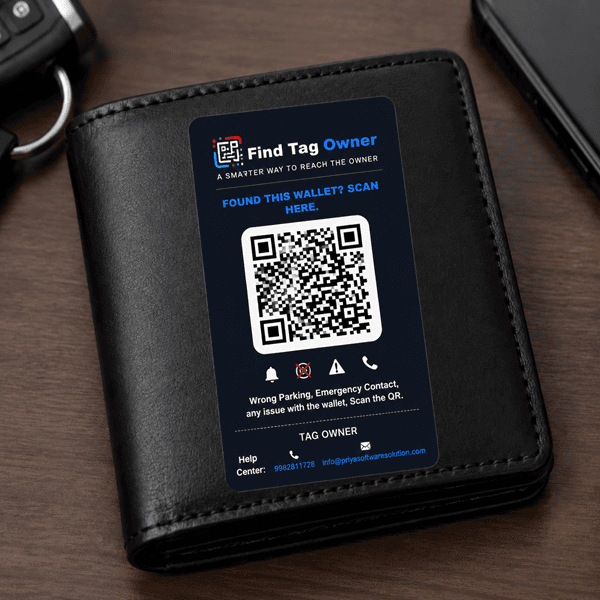
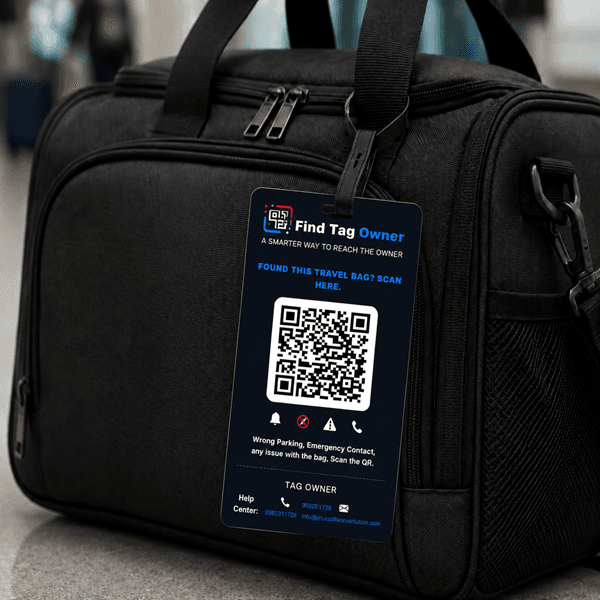
Save more
Combo deals
Protect your vehicle, keys and bag together, for less.
 +1 more
Car + Bike Complete Combo
DetailsMRPwas ₹2,149
₹1,649
+3 moreFamily Combo
DetailsMRPwas ₹2,999
₹2,299
How it works
See how FindTagOwner works
Watch how one scan connects a finder to the owner, without either of you sharing a phone number.
- Cars
- Bikes
- Keys
- Bags
- Wallets
- Step 1Scan the tagAny phone camera opens the owner's page. No app needed.
- Step 2Message or callThe finder reaches you privately. Numbers stay hidden.
- Step 3Owner gets alertedAn instant alert on the app, with the message and location.
After you order
How to activate your QR tag
Five simple steps, all from your phone. No calls, no forms to post, no waiting.
Step 1 of 5
After activation
You control your tag from My Tags
Masked calls
Turn calls on or off
Messages
Choose who can reach you
Emergency contacts
Family is called first
Pause anytime
Resume with one tap
Edit details
Change vehicle or contact info
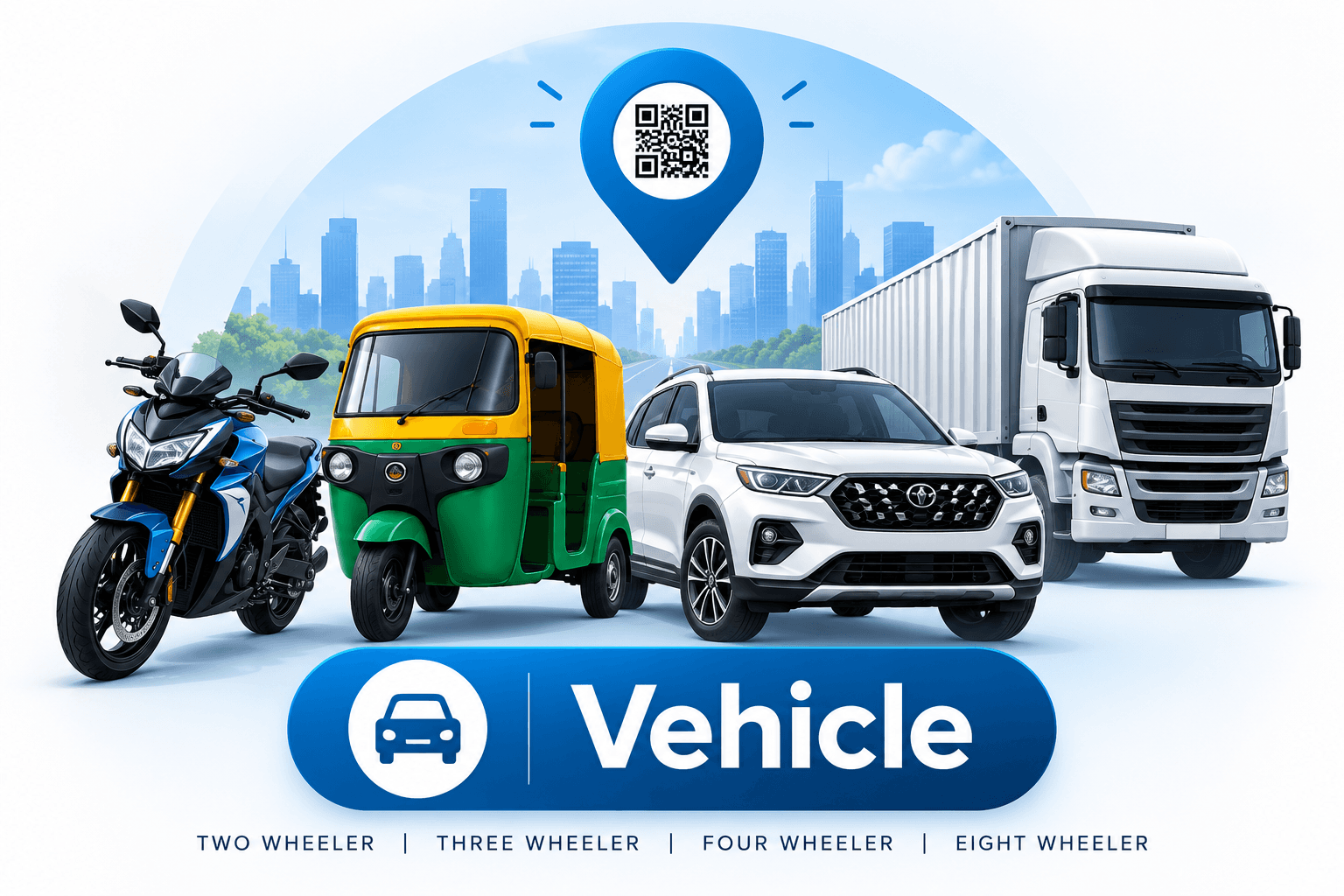
Free with every vehicle tag
Keep your vehicle papers safe, and never miss a renewal
RC, PUC, insurance and licence, all in one place on your phone. We tell you before anything expires, so you’re never caught with an expired paper.
- Two-wheeler
- Three-wheeler
- Four-wheeler
One place for every paper
What you can keep in My Documents
Stored privately on your account. Open them on the app or website, whenever you’re asked.
- RC
- PUC
- Vehicle insurance
- Driving licence
- Health insurance
- PAN
- Aadhaar
- Any other paper
Partner with us. Grow together.
Brands sponsor tags for their community. Shops and agents sell them and earn.
Where it helps
Built for everyday Indian roads
Parking lots, society gates, metro stations, wherever your things go.
Blocked parking
Someone’s car blocking yours? They can message you in seconds instead of honking for twenty minutes.
Emergencies
After an accident, a passer-by can reach your family and see your blood group, if you allow it.
Lost keys or bag
The finder scans the tag and tells you where it is. No number written on your things.
Privacy
Stop writing your phone number on windscreens. Strangers never see it, and you can pause any time.
Privacy by design
What a finder sees, and what they never do
The finder sees
- What the item is: “Car tag”, “Keys”
- A button to message you
- A button for a masked call
- Emergency contact, only if you allow it
Always hidden
- Your phone number
- Your name and address
- Your vehicle number
- Your family’s numbers
Questions
Good to know
How we use Find Tag Owner ?
FindTagOwner provides advanced QR code scanning solutions and app features that help you identify, track, and manage your belongings with ease.
How do FindTagOwner QR code tags work?
Each QR code tag is linked to your registered item. When someone scans the code, they can access the available information and follow the instructions to help return the item to its owner.
What items can I track with FindTagOwner?
You can use FindTagOwner QR code tags on a variety of belongings, including vehicles, keys, bags, luggage, accessories, and other personal items. Attach a tag to help make your belongings easier to identify and return if lost.
Is a refund possible after purchasing a Find Tag Owner tag?
No, refunds are not available once a tag has been assigned to your vehicle or asset. Each tag is registered to a specific vehicle or asset and cannot be reassigned or used for another one. Please verify your details before placing your order.
Can I get a replacement
Yes, replacement requests are accepted within 5 days of receiving the product if the tag arrives damaged or has a manufacturing defect. Please contact our support team within this period and provide your order details along with photos or videos showing the issue. Our team will review your request and guide you through the replacement process.
Protect your vehicle and belongings today
Pick a tag, add your details, and you’re covered in about two minutes.
- 1Pick a tagCar, bike, keys, bag or pet
- 2Add your detailsYour number stays hidden
- 3You’re coveredFinders reach you in seconds
Your tags, alerts and chats,
right in your pocket.
Get notified the second your tag is scanned, reply to finders privately and manage every tag from one free app on Android and iPhone.
Android v1.0.4iPhone app in developmentAbout the app
- Free to download
- Number stays private
- Real-time alerts
Instant scan alerts
A push notification the moment someone scans your tag, with their message and location.
Private chat
Reply to finders inside the app. Your phone number is never shown.
Masked calls
Take calls through a relay number, and switch them off whenever you like.
All your tags
Activate new tags, edit details and pause any tag in a tap.
Documents on hand
RC, insurance and PUC kept with your vehicle tag, ready when asked.
Secure by design
OTP sign-in and encrypted data. You decide what finders see.